Original input: — · Decoded: — · Decoded/input: —
Ready.
Original input counts UTF-8 input bytes, including whitespace or a data URL wrapper. Decoded size counts successfully parsed bytes, even when the selected text encoding rejects them. Ratio = decoded bytes / original input bytes × 100. File limit: 100 MB (100,000,000 bytes). Files decode in a background worker. Results show the first 500 lines and 65,536 characters per line; download keeps the complete output. Blank lines are skipped. Invalid lines are reported separately.
Download complete outputEncoded text volume and file-size limits
The file limits compared on our Image to Base64 page describe individual files; embedding several results adds their encoded sizes together. Base64 turns each group of three input bytes into four ASCII characters. With standard padding, a file containing n bytes produces L = 4 × ceil(n / 3) characters. Each character occupies one byte in UTF-8. The pages do not define whether MB means decimal or binary units, so the calculations here explicitly use 1 MB = 1,000,000 bytes; they do not establish the services’ exact byte ceilings. For the stated limits, the calculations are: 1 MB → 4 × ceil(1,000,000 / 3) = 1,333,336 bytes = 1.333336 MB; 4 MB → 4 × ceil(4,000,000 / 3) = 5,333,336 bytes = 5.333336 MB; 50 MB → 4 × ceil(50,000,000 / 3) = 66,666,668 bytes = 66.666668 MB; 100 MB → 4 × ceil(100,000,000 / 3) = 133,333,336 bytes = 133.333336 MB. For the stated allowance of 20 files at 1 MB each, assume each file contains exactly 1,000,000 bytes and is encoded without compression or resizing. Encoding the files separately gives 20 × 1,333,336 = 26,666,720 bytes = 26.666720 MB of Base64 text. This excludes data URL prefixes, HTML or CSS wrappers, and line breaks. Pasting all those strings into one page adds that text to the document before HTTP compression; it does not establish transferred bytes or loading time.
All 20 signatures this detector checks
Every row below was verified by generating a real sample, encoding it, decoding it back and reading the actual magic bytes. Detection runs in three layers: shape first, then the base64 prefix, then the decoded magic bytes.
| Format | base64 prefix | Decoded magic bytes |
|---|
How do I use base64 decode online?
Paste the encoded string into the tool above and inspect the detected format before using the result.
Is b64 decode the same operation?
Here, the abbreviation refers to decoding a Base64 string. Instructions written as base64decode refer to that same operation.
What does 64 decode mean here?
This page handles Base64 input. The shorter phrase does not identify the encoding of an arbitrary string.
Which encoding does base decode mean?
Check that the input is Base64 before using this decoder; other base encodings require their own decoders.
How can I convert base64 to text?
Paste the string and read the text result when the decoded bytes represent text. An image or another binary file does not become readable prose merely because it was decoded.
For numeric character codes, use the ASCII code to text decoder.
Can I decode base64 here?
Yes. Paste the encoded string and check the identified format before using the decoded result. Encoding alone does not prove the content is safe, and binary output is not automatically readable text.
Is this a base64 decoder?
Yes. This base64 decoder identifies the input format before decoding. Base64 encoding does not prove that decoded content is safe, and binary output is not automatically readable text.
For a digest rather than reversible encoding, use the SHA-256 text hash generator.
For puzzle letter shifts rather than byte encodings, use the Caesar cipher decoder and ROT13 tool.
Why does atob give me garbled text?
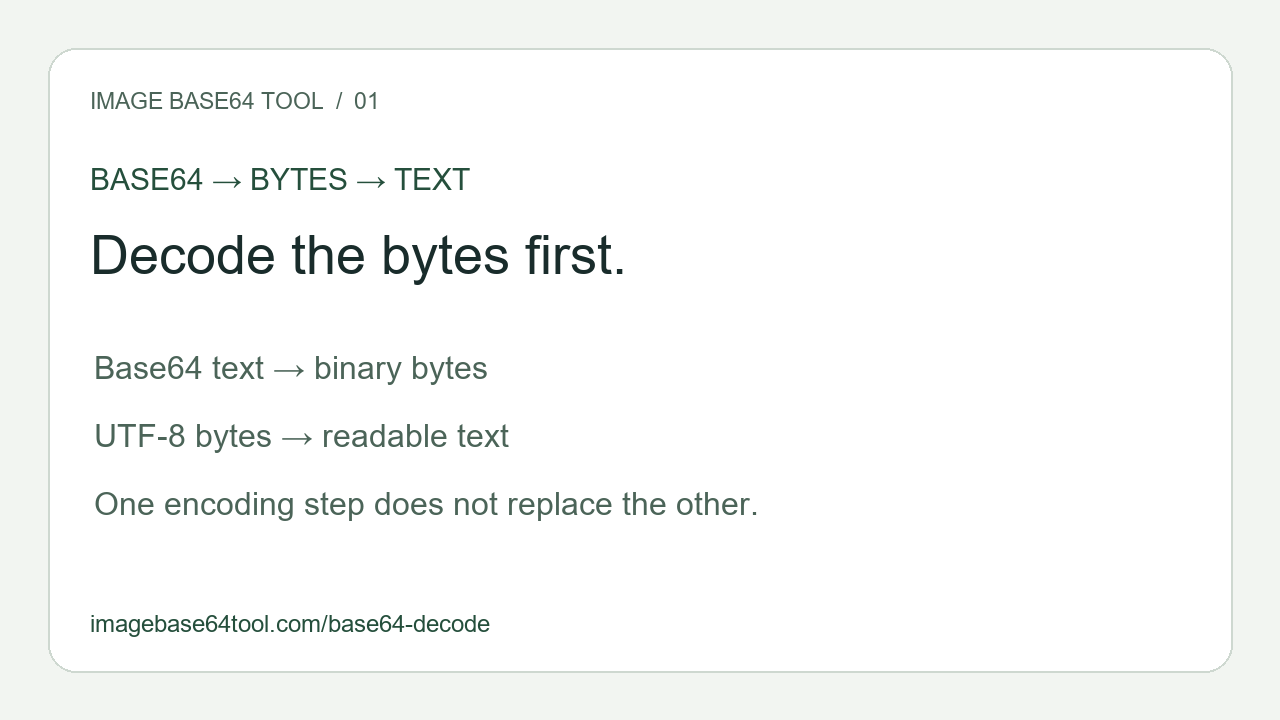
Base64 decoding restores bytes. It does not select a text encoding. JavaScript atob returns a binary string whose character codes represent those bytes. When the original text was UTF-8, convert that binary string to a Uint8Array and decode it with TextDecoder.
const bytes = Uint8Array.from(atob(value), c => c.charCodeAt(0));
const text = new TextDecoder("utf-8", {fatal: true}).decode(bytes);
What does that difference look like?
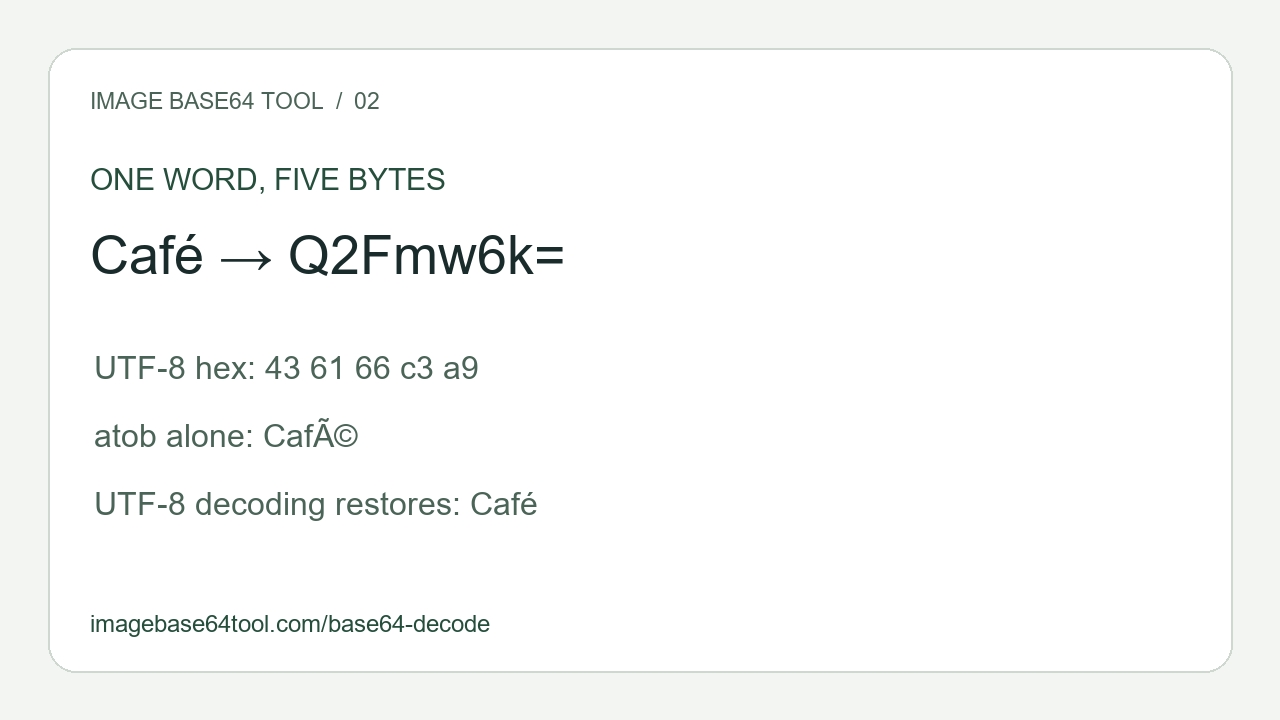
In our reproducible sample, Café becomes the UTF-8 bytes 43 61 66 c3 a9 and Base64 Q2Fmw6k=. Reading the atob result as ordinary display text gives Café. Decoding the same five bytes as UTF-8 restores Café. The bytes are intact; the text interpretation was wrong.
Does valid Base64 always produce valid text?
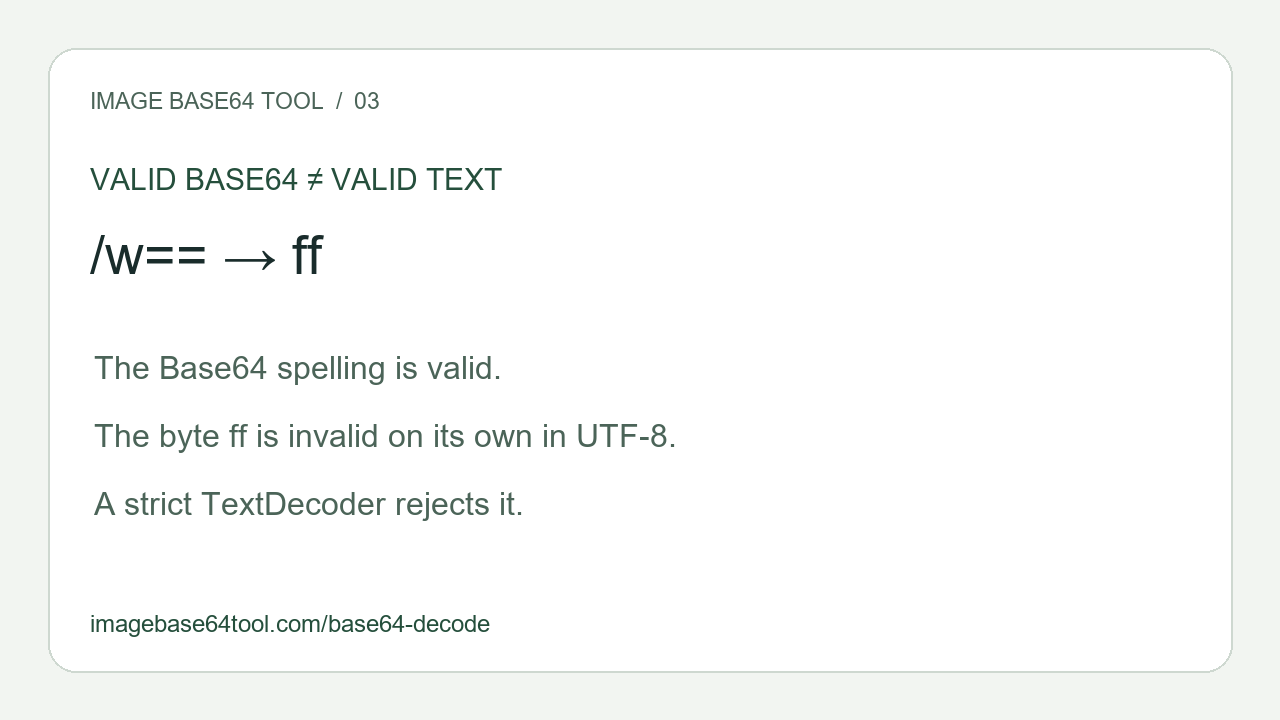
No. The valid Base64 value /w== restores the single byte ff. A strict UTF-8 TextDecoder rejects that byte. Do not silently replace a decoding failure with a claim that the source was text; it may be a binary file or use another character encoding.
For Bitcoin-alphabet encoding of UTF-8 text or hexadecimal bytes, use Base58 Encode.
Does switching to Base58 make decoded data encrypted?
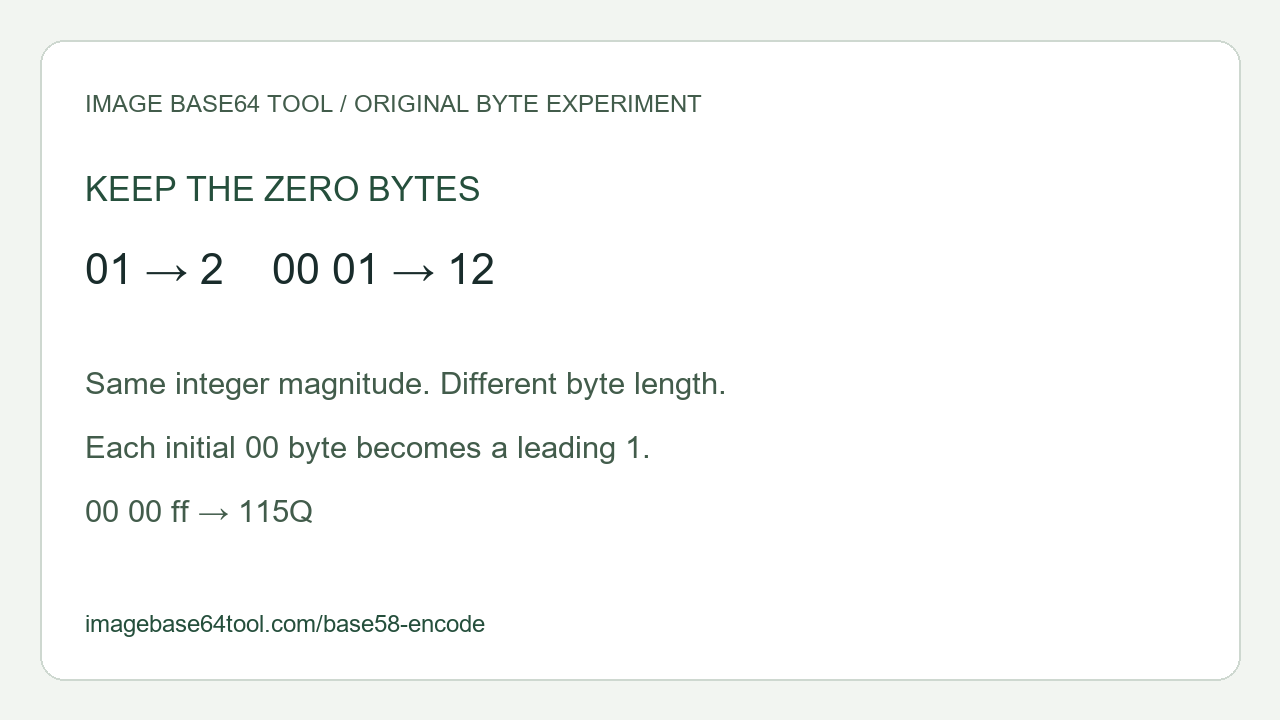
No. It changes the representation, not who can recover the bytes. Our Base58 experiment distinguishes 01 → 2 from 00 01 → 12: the leading byte is preserved, but there is no secret. This is an author-written answer based on our experiment.