Base64url decode
Base64url decode restores URL-safe text or bytes: our padded and unpadded samples recovered identical original bytes, while this tool rejects the standard plus and slash alphabet.
Ready. Processing stays in your browser.
One byte sequence, padded and unpadded transport
We prepared three original byte sequences and recorded their standard Base64 and URL-safe representations. We then decoded both the padded URL-safe form and the form with trailing padding removed. The recovered hex columns below come from this local run. We supplied only the missing trailing padding required by the input length; we did not change the payload symbols.
| Original hex | Standard Base64 | Base64url | Unpadded | Padded recovered | Unpadded recovered |
|---|---|---|---|---|---|
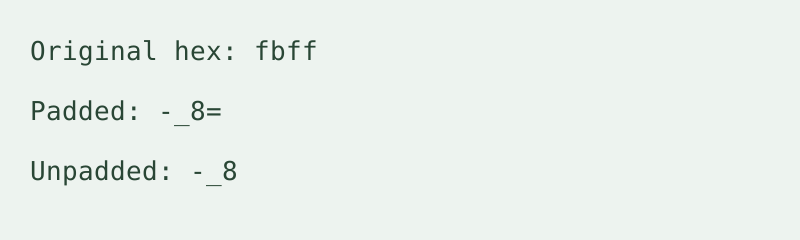
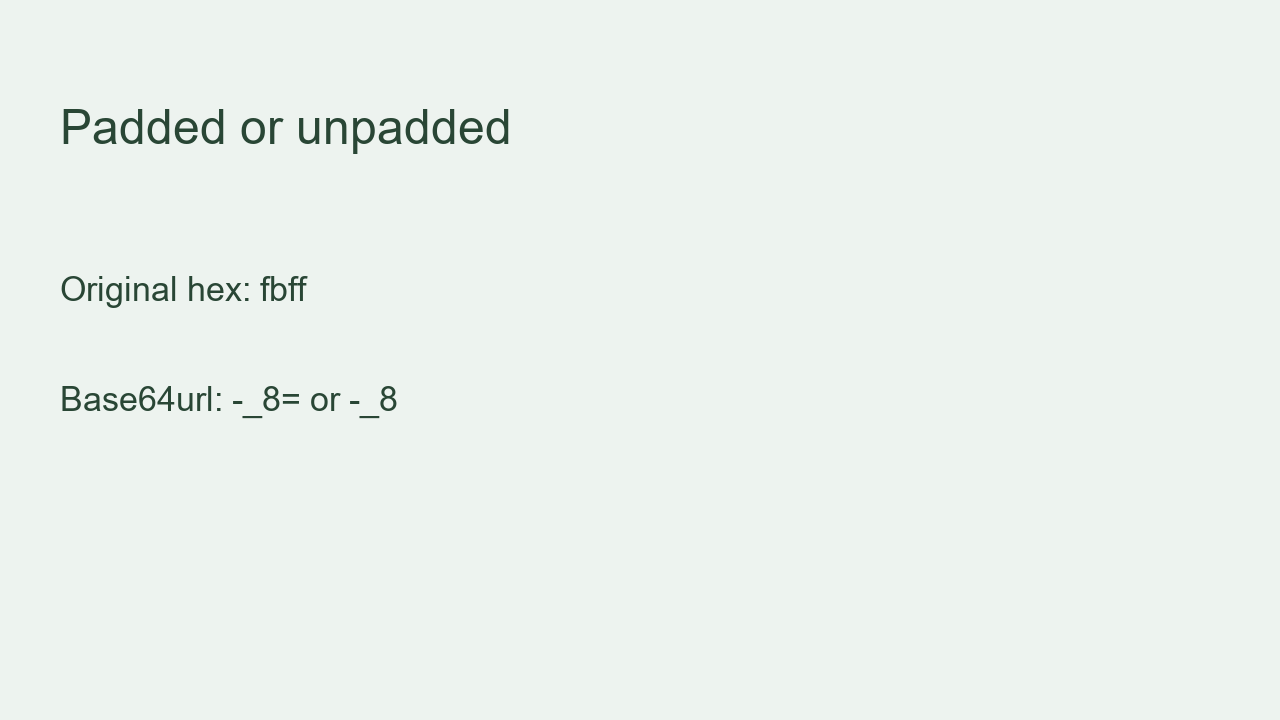
fbff | +/8= | -_8= | -_8 | fbff | fbff |
68656c6c6f | aGVsbG8= | aGVsbG8= | aGVsbG8 | 68656c6c6f | 68656c6c6f |
ff | /w== | _w== | _w | ff | ff |
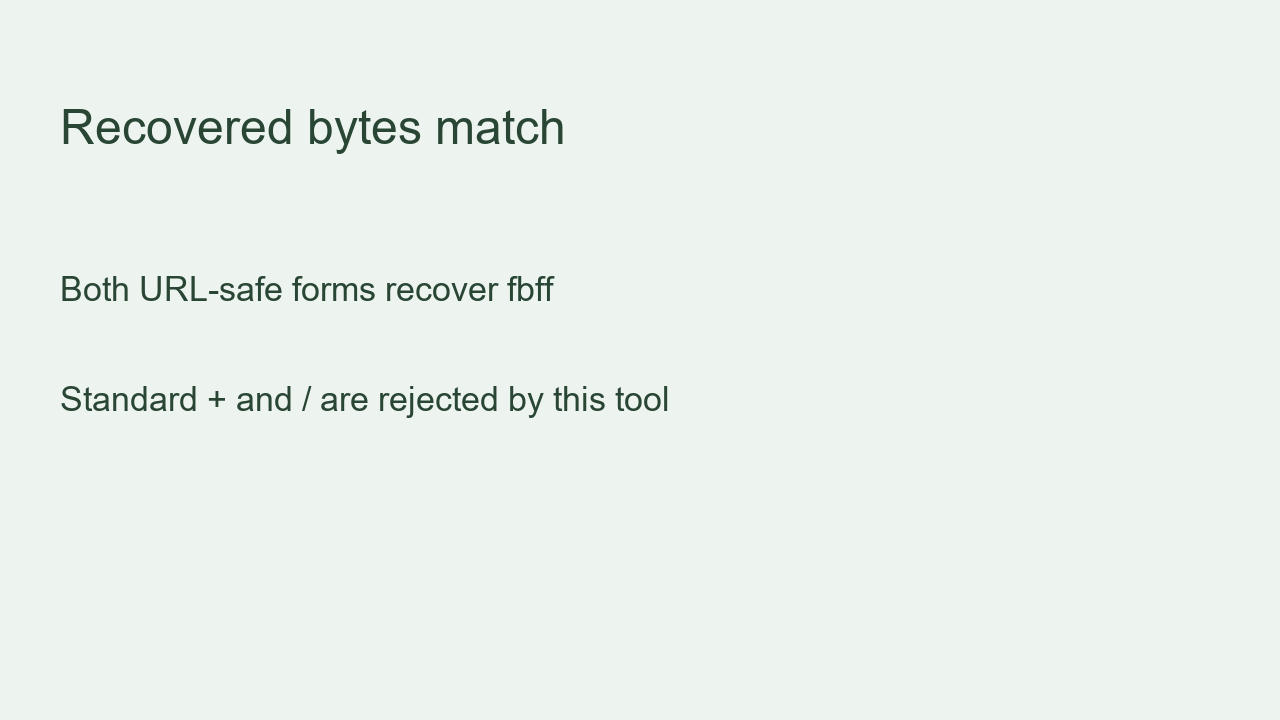
The first original sequence was hexadecimal fbff. Its standard form was +/8=, its URL-safe form was -_8=, and its unpadded form was -_8. Both URL-safe inputs recovered fbff. This row deliberately includes both alphabet characters that change, so the distinction is visible rather than hidden in a letter-only example.
The second original sequence was hexadecimal 68656c6c6f. The standard and URL-safe forms were both aGVsbG8=. Removing its trailing padding gave aGVsbG8. Both URL-safe inputs recovered 68656c6c6f. This row shows that the absence of a dash or underscore does not establish which alphabet a producer intended.
The third original sequence was hexadecimal ff. Its standard form was /w==, its URL-safe form was _w==, and its unpadded form was _w. Both URL-safe inputs recovered ff. The recovered byte is not valid standalone UTF-8 text, so this tool provides hex output and a byte download rather than displaying a replacement character as a successful text result.
To reproduce this run, select Hex bytes and paste each padded URL-safe cell. Record the output, then paste its unpadded cell and compare again with the original hex. Finally paste the standard cell containing a plus or slash: this tool rejects that alphabet. This rejection is an explicit tool boundary, not a claim that other decoders cannot accept both alphabets.
How to decode
Paste one URL-safe string, choose text or hex, then decode. Copy the displayed result or download the bytes. Leading and trailing whitespace is trimmed; internal whitespace, complete URLs and multiple strings are rejected. This tool does not store history or upload your input. Available device memory limits input size.
Does decoding verify a token?
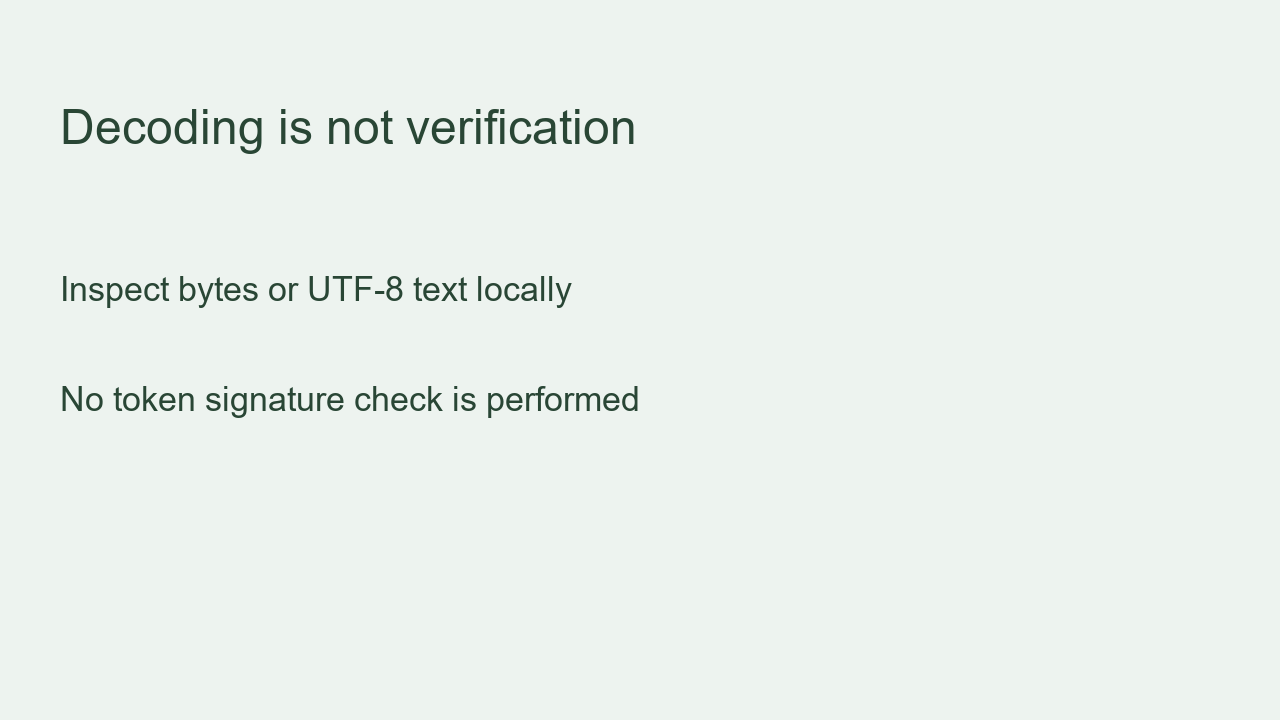
No. The safety question in our material list applies here: a decoded payload is not proof of authenticity, encryption or permission. Paste an individual encoded segment to inspect bytes; a complete token with dot separators is not accepted. No signature verification is performed.
Is Base64url encode the same operation?
No. Base64url encode is the reverse direction. The phrase base64 url refers to the URL-safe alphabet here; this page decodes an encoded input, not a web address.