Base58 Encode
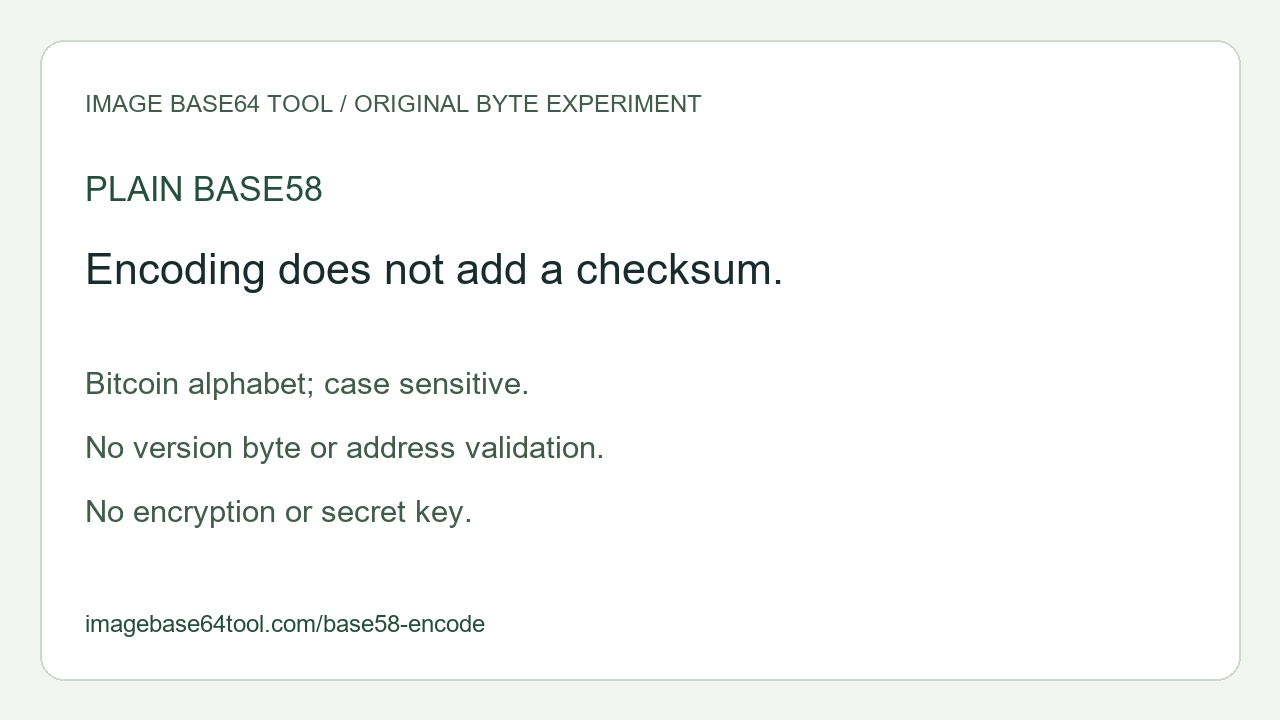
Bitcoin alphabet. Plain Base58; no checksum or address validation.
Original experiment: one value, different byte sequences
We prepared the byte sequences below and ran two independently written encoders: one accumulates a BigInt and repeatedly divides by 58; the other carries each input byte through an array of base-58 digits. Both returned the listed strings. This is our byte-level experiment, not a measurement of other websites.
| Hex bytes | Leading zero bytes | Base58 output |
|---|---|---|
| 01 | 0 | 2 |
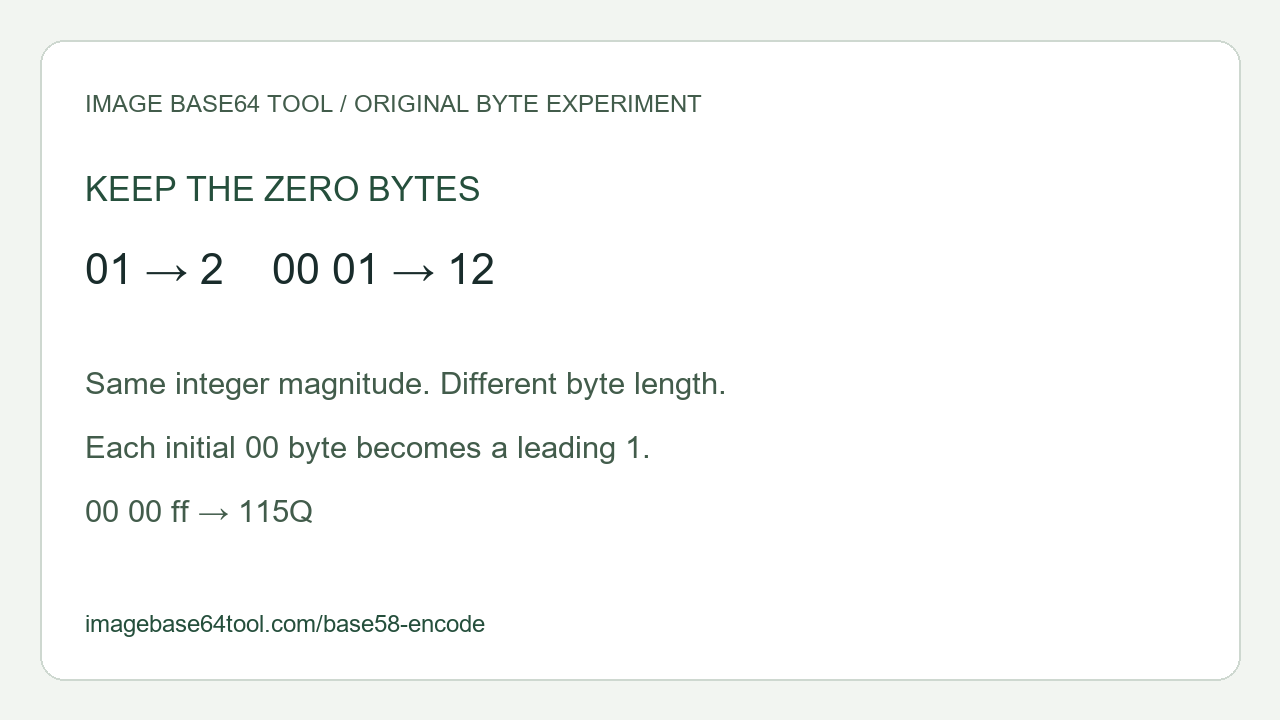
| 00 01 | 1 | 12 |
| 00 00 ff | 2 | 115Q |
| ff | 0 | 5Q |
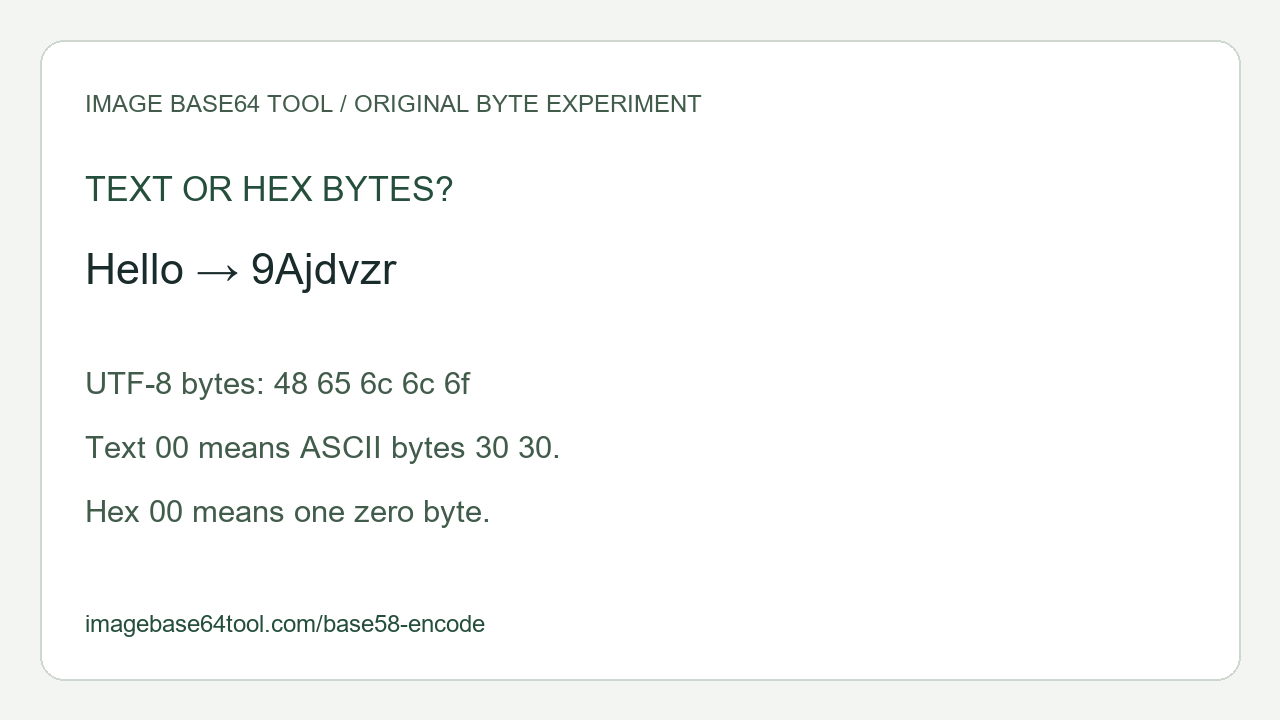
| 48 65 6c 6c 6f | 0 | 9Ajdvzr |
| f0 9f 98 80 | 0 | 79jdou |
Try the first two rows in hexadecimal mode. The numeric magnitude is one in both cases, yet the original byte sequences have different lengths. Encoding only their magnitude would discard the first zero byte of 00 01. The explicit leading 1 preserves that byte. In the third row, the two initial zero bytes become two leading 1 characters; the remaining ff becomes 5Q.
For a hand check, ff is the integer 255. Dividing 255 by 58 gives quotient 4 and remainder 23. Those alphabet indices are 5 and Q, so ff produces 5Q. Adding two leading zero bytes produces 115Q. Neither extra 1 is padding added to reach a block length.
Our text sample Hello uses five UTF-8 bytes, 48 65 6c 6c 6f, and produces 9Ajdvzr. The emoji sample uses four bytes, f0 9f 98 80, and produces 79jdou. In text mode, typing the two characters 00 encodes two ASCII bytes, 30 30; it does not create one zero byte. Select hexadecimal bytes to reproduce the zero-byte rows.
The empty byte sequence returns an empty result. One zero byte returns 1; two zero bytes return 11. We tested these cases separately so that empty input is not silently treated as a zero-valued byte. The tool shows the byte count and hexadecimal representation beside each result, letting you check which bytes were actually encoded.
Frequently asked questions
How do I Base58 encode text or bytes?
Choose UTF-8 text or hexadecimal bytes, enter the input and select Encode Base58. Text mode preserves spaces and line breaks as input characters. Hex mode ignores whitespace between byte pairs, requires complete pairs and rejects 0x prefixes. The tool processes one value locally, with a limit of 4,096 bytes and 40,000 input characters. Invalid input clears the previous result.
Which Base58 alphabet does this use?
This page uses the Bitcoin alphabet: 123456789ABCDEFGHJKLMNPQRSTUVWXYZabcdefghijkmnopqrstuvwxyz. Uppercase and lowercase letters are different. The characters zero, uppercase O, uppercase I and lowercase l are excluded. Other Base58 alphabets can assign different digits, so identify the required alphabet before exchanging data. The alphabet and leading-zero rule can be checked in Bitcoin Core’s Base58 implementation.
Does this create a cryptocurrency address or a checksum?
No. This is plain Base58 encoding of your bytes. It adds no version byte, network identifier or checksum and does not verify addresses, keys or signatures. Base58Check is a separate construction. Do not paste private keys or credentials into a demonstration to test it.
Is this Base64 encoding or encryption?
No. Base58 uses a different alphabet and byte-to-number mapping. It does not use Base64’s four-character blocks or equals padding. Both are reversible representations, not encryption. For a Base64 result use Text to Base64; to inspect an existing Base64 input use Base64 Decode. Do not select an encoding merely because its output looks similar.
Are my inputs uploaded?
The encoder and copy action run locally in the browser. No account, file upload, batch processing or saved history is provided by this tool. It rejects unpaired Unicode surrogates instead of silently replacing malformed text. Hex input is a byte representation, not decimal integer input.