SVG to ICO: Which Converter Puts All Sizes in One File?
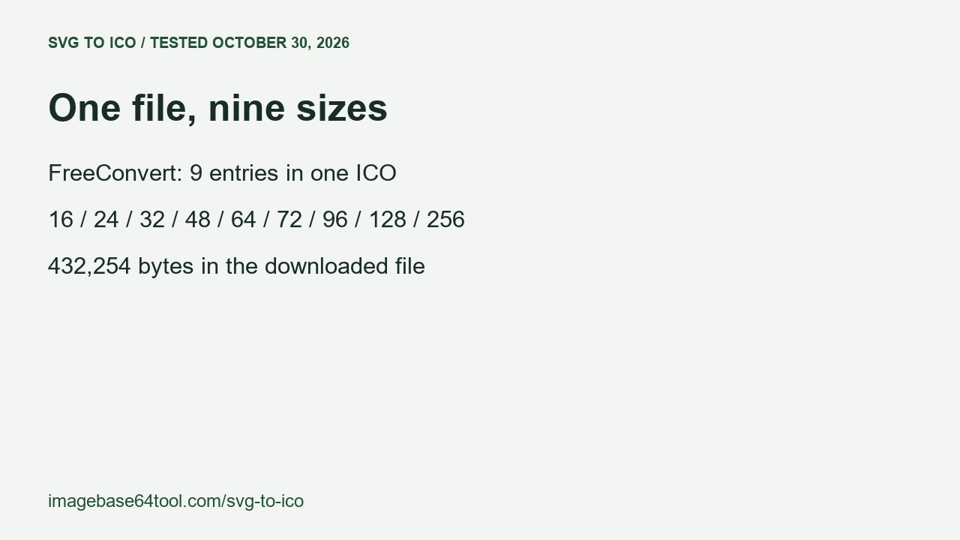
Choose FreeConvert when you want one ICO containing nine sizes, up to 256×256.
Choose ImagesTool when you want one ICO containing eight sizes, up to 256×256.
Choose SVG Encoder or Favicon.io when 16×16, 32×32 and 48×48 are enough; both completed without login, and 48×48 was the largest ICO size in this test.
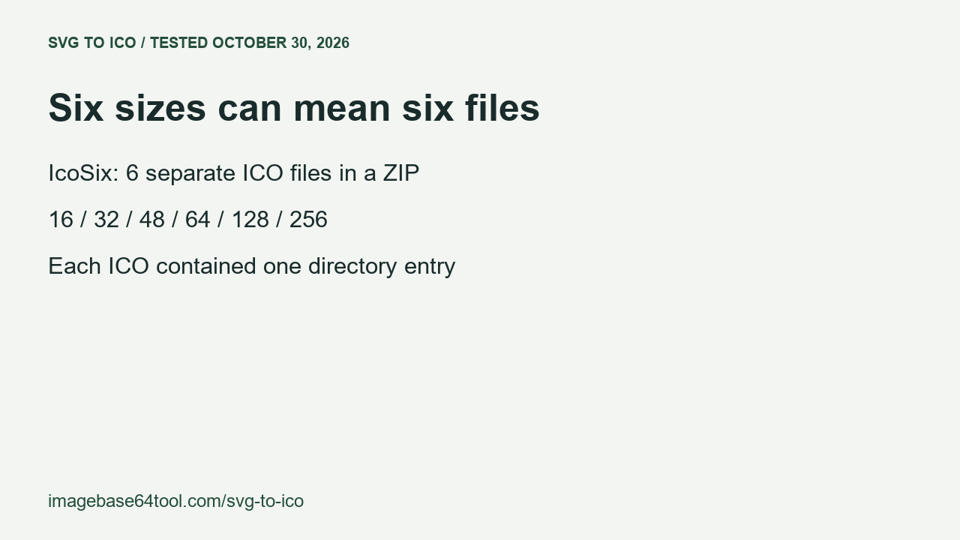
Choose IcoSix when you want six separate ICO files: its all-sizes export produced six files containing one size each, not one multi-size ICO.
Eight converters, the same SVG
Tested on October 30, 2026, using the same 400-byte SVG with a 120×80 canvas and an embedded PNG. Seven converters produced downloaded files. Convertio did not reach file selection in the test browser, so its output remains unverified.
The sizes below came from the downloaded ICO directories, cross-checked with Pillow. “Largest” means the largest size successfully exported in this test—not a proven absolute limit of the free service.
On a narrow screen, scroll the comparison horizontally to read every column.
| Converter | Login required in this test? | Largest free size actually exported | Sizes exported in one operation |
|---|---|---|---|
| CloudConvert | Download completed without login | 256×256 | One size in one ICO |
| FreeConvert | Download completed without login | 256×256 | Nine sizes in one ICO: 16/24/32/48/64/72/96/128/256 |
| Convertio | Not verified | Not verified | File selection did not open after reopening and retrying; this does not establish lack of support |
| ImagesTool | Download completed without login | 256×256 | Eight sizes in one ICO: 16/24/32/48/64/96/128/256 |
| IcoSix | Download completed without login | 256×256 | Six sizes in a ZIP containing six separate, single-size ICO files |
| SVG Encoder | Download completed without login | 48×48 | Three sizes in one ICO: 16/32/48 |
| Favicon.io | Download completed without login | 48×48 in the ICO | Three sizes in one ICO: 16/32/48 |
| Online-Convert | Download completed without login | 256×256 | One size in one ICO |
Which one fits your download?
FreeConvert: Use the Windows multi-size preset if your destination needs one file containing several resolutions. The downloaded ICO was 432,254 bytes and contained nine directory entries, from 16×16 through 256×256. That preset is unnecessary if you only want a single small favicon.
ImagesTool: Choose Embedded multiple sizes when you need several resolutions inside one ICO. The downloaded file was 410,598 bytes and contained eight sizes, including 24×24 and 96×96; it did not contain FreeConvert’s 72×72 entry. Choose another tested output if that particular size matters.
IcoSix: Use its all-sizes option when separate files suit your workflow. The ZIP contained 16×16, 32×32, 48×48, 64×64, 128×128 and 256×256 ICO files, each with one directory entry. This export does not fit a requirement for one ICO containing all six sizes.
SVG Encoder: Choose it for a compact three-size ICO. The downloaded file was 978 bytes and contained 16×16, 32×32 and 48×48 entries. Its tested output does not cover a requirement for a 256×256 ICO image.
Favicon.io: Choose it when you also want the accompanying favicon package. Its ICO was 15,406 bytes and contained three sizes: 16×16, 32×32 and 48×48. The separate 512×512 PNG in the package does not make the ICO a 512×512 file.
CloudConvert: Choose it when you want to request one specific output size. With width and height set to 256 and Fit set to scale, the downloaded ICO was 270,398 bytes and contained one 256×256 entry. That tested configuration does not provide a multi-size file.
Online-Convert: Choose it when one requested size is enough. With width and height set to 256, the downloaded ICO was 270,398 bytes and contained one 256×256 entry. Do not treat this result as an all-sizes export.
Convertio: Its suitability remains unverified here. The file-selection control did not open after reopening and retrying, so no converted file was obtained. That is a test limitation, not evidence that Convertio cannot convert SVG to ICO.
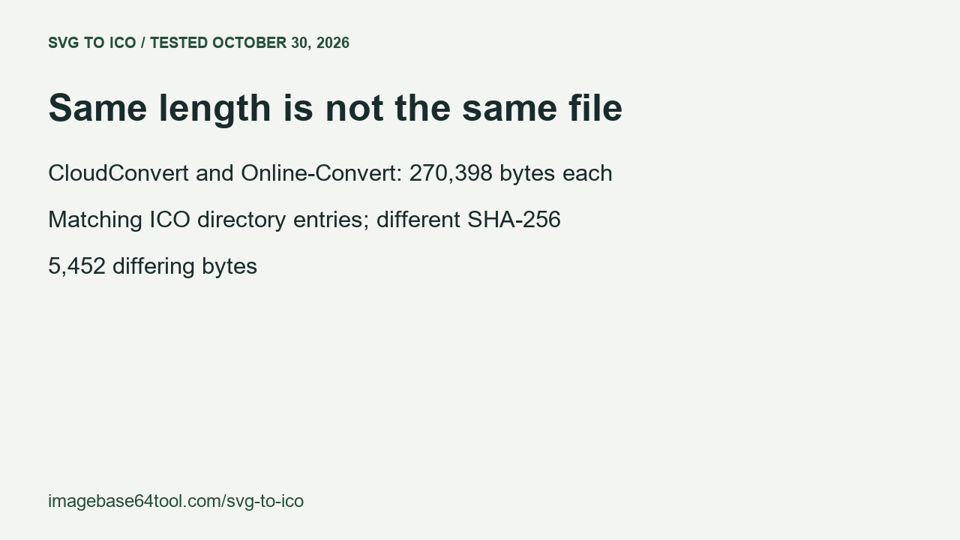
A file recheck found that the CloudConvert and Online-Convert downloads had the same 270,398-byte length and matching ICO directory entries, but different SHA-256 checksums and 5,452 differing bytes. They were not identical files; whether their backends share an implementation was not investigated.
Check the file you actually need
For this SVG, FreeConvert’s nine sizes occupied one file; IcoSix’s six sizes occupied six files. Those downloads serve different requirements even though both offer multiple output sizes.
This test checked login prompts, downloaded sizes and file packaging. It did not measure conversion speed, exhaust free quotas, or compare visual quality. The SVG had an opaque background, so these results do not establish transparency preservation.
Questions about the downloaded files
Does an all-sizes export always mean one multi-size ICO?
No. In the October 30 test, FreeConvert returned one ICO with nine directory entries, while IcoSix returned a ZIP with six separate ICO files containing one entry each. Check both the number of files and the directory entries inside each ICO.
Do equal file lengths prove that two ICO downloads are identical?
No. The CloudConvert and Online-Convert downloads were both 270,398 bytes, but their SHA-256 checksums differed and 5,452 byte positions differed. Equal length and matching directory entries were not enough to establish byte equality.
Does a separate 512×512 PNG mean the ICO also contains that size?
No. The tested Favicon.io package included a separate 512×512 PNG, while its ICO directory contained only 16×16, 32×32 and 48×48 entries. Inspect the ICO itself when checking its available sizes.
A visual check before you choose