Morse Code Translator
Morse code translator converts text and written dots and dashes in both directions; it does not decode audio.
Separate letters with spaces and words with /. Text only; input stays in your browser.
Original written-Morse round-trip checks
We created four text samples, converted each through this page’s letter mapping, decoded the resulting Morse and compared the recovered text with its uppercase, single-space form. Every comparison matched. These are calculated sample results from our function run, not a copied reference table.
| Original text | Computed Morse | Recovered text |
|---|---|---|
| SOS | ... --- ... | SOS |
| Hello World | .... . .-.. .-.. --- / .-- --- .-. .-.. -.. | HELLO WORLD |
| Meet at 5 | -- . . - / .- - / ..... | MEET AT 5 |
| a b\nc | .- / -... / -.-. | A B C |
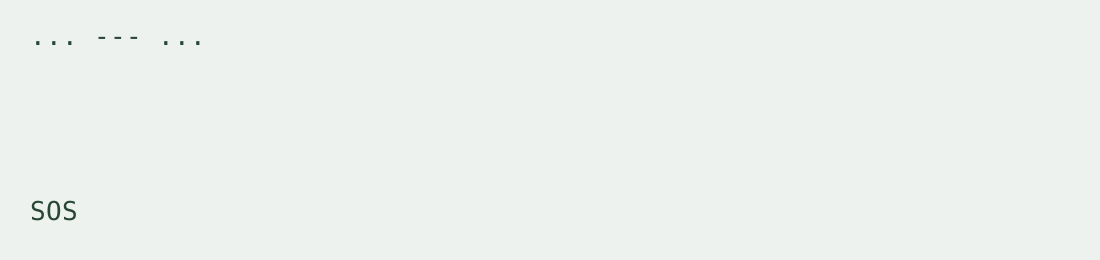
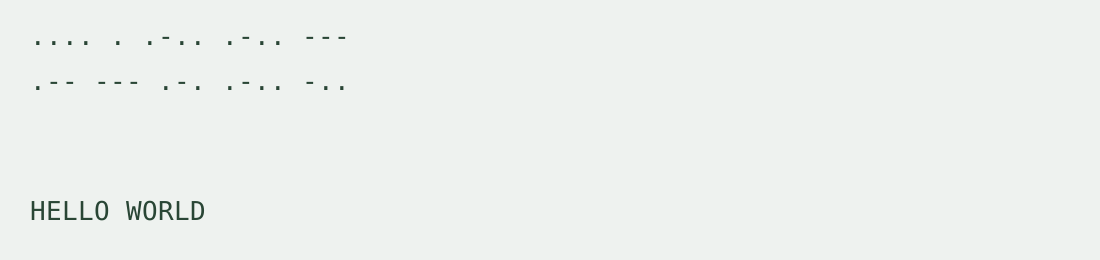
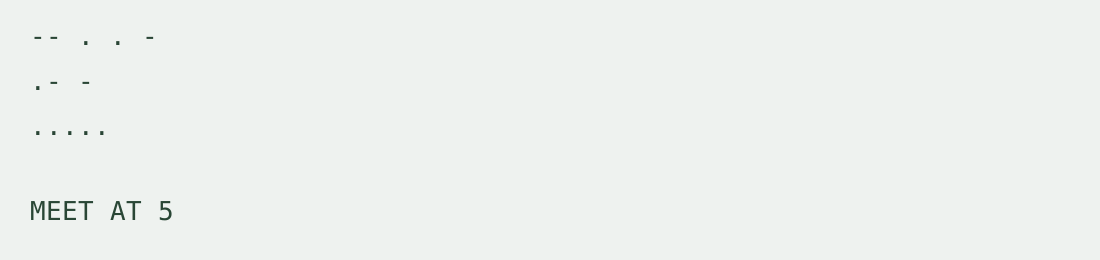
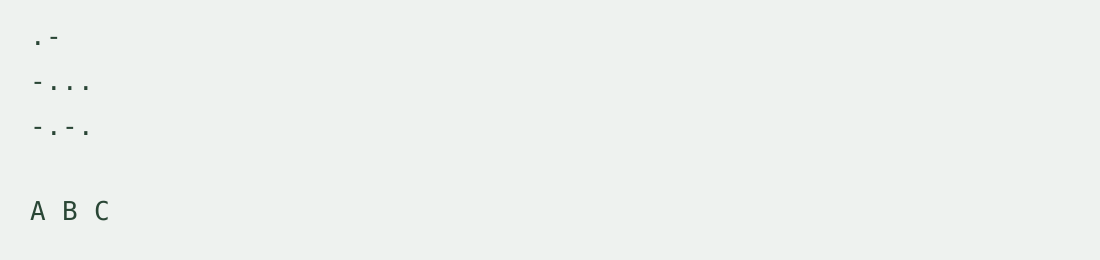
SOS produced ... --- ... and returned to SOS. Hello World produced two word groups and recovered HELLO WORLD. The digit in Meet at 5 was encoded and recovered as a digit. The final input contains repeated spaces and a line break; it recovered as A B C under the explicitly stated whitespace and case normalization. The displayed \n in that table cell represents the original line break.
To repeat a row, select Text to Morse, enter the original sample and translate. Use Swap direction and result, then compare the recovered text with the table. Original case and the number or type of whitespace characters are not preserved.
Letter and word separators
A single whitespace-separated dot-and-dash group is one letter or digit. Use / between words, for example ... --- ... / ..... . Multiple spaces and line breaks separate letter groups; they do not denote word gaps. Continuous Morse without letter separators is ambiguous and is not automatically segmented. Empty word groups and unrecognized Morse groups produce an error, with no partial text.
Alphabet and case
Text input supports English letters A–Z and a–z, digits 0–9 and whitespace. Letters are encoded without a case distinction; decoded letters are uppercase. Each run trims outer whitespace and normalizes word gaps to one space. Punctuation, accented characters, emoji and other alphabets are not supported in this version; the tool reports the unsupported character’s position instead of silently discarding it.
How do I convert morse code to english?
Select Morse to text and paste separated groups. The morse code decoder restores supported letters and digits. It does not translate languages: the decoded content is English only if the original text was English.
Can I decode a recording or flashing light?
No. This page handles written text only. It does not accept audio, images, microphone input or timed signals.
Input, output and limits
Paste one text sequence and copy the resulting text or written Morse. The input limit is 20,000 characters per run. Processing runs locally without login, file upload, batch mode or saved history. No daily conversion counter is imposed and the input is not uploaded.
Can Morse keep a message secret?
No. The mapping is public and reversible. Use it for text conversion and exercises, not confidentiality.
Related representation walkthrough
This existing video demonstrates hexadecimal byte input and Base64 output. It covers a related representation, not Morse decoding or an audio tutorial.
Loading the player connects to YouTube and shares connection information such as your IP address and playback requests.
For a repeating letter key that you supply, use the Vigenere encrypt and decrypt tool.